
Bad Times AI AI headshot generator for reference-based professional portraits
Create portrait options from a photograph you provide, with direction for clothing, background, framing, and light. The Bad Times AI AI headshot generator uses GPT Image 2 in reference image mode; begin at 3:4 and 1K for a vertical composition. Use the Bad Times AI AI headshot generator to explore a professional presentation while keeping your original photograph close. A polished image still needs your approval for likeness, accuracy, and intended use.
Image workspace
Sample Image
 11 / 17
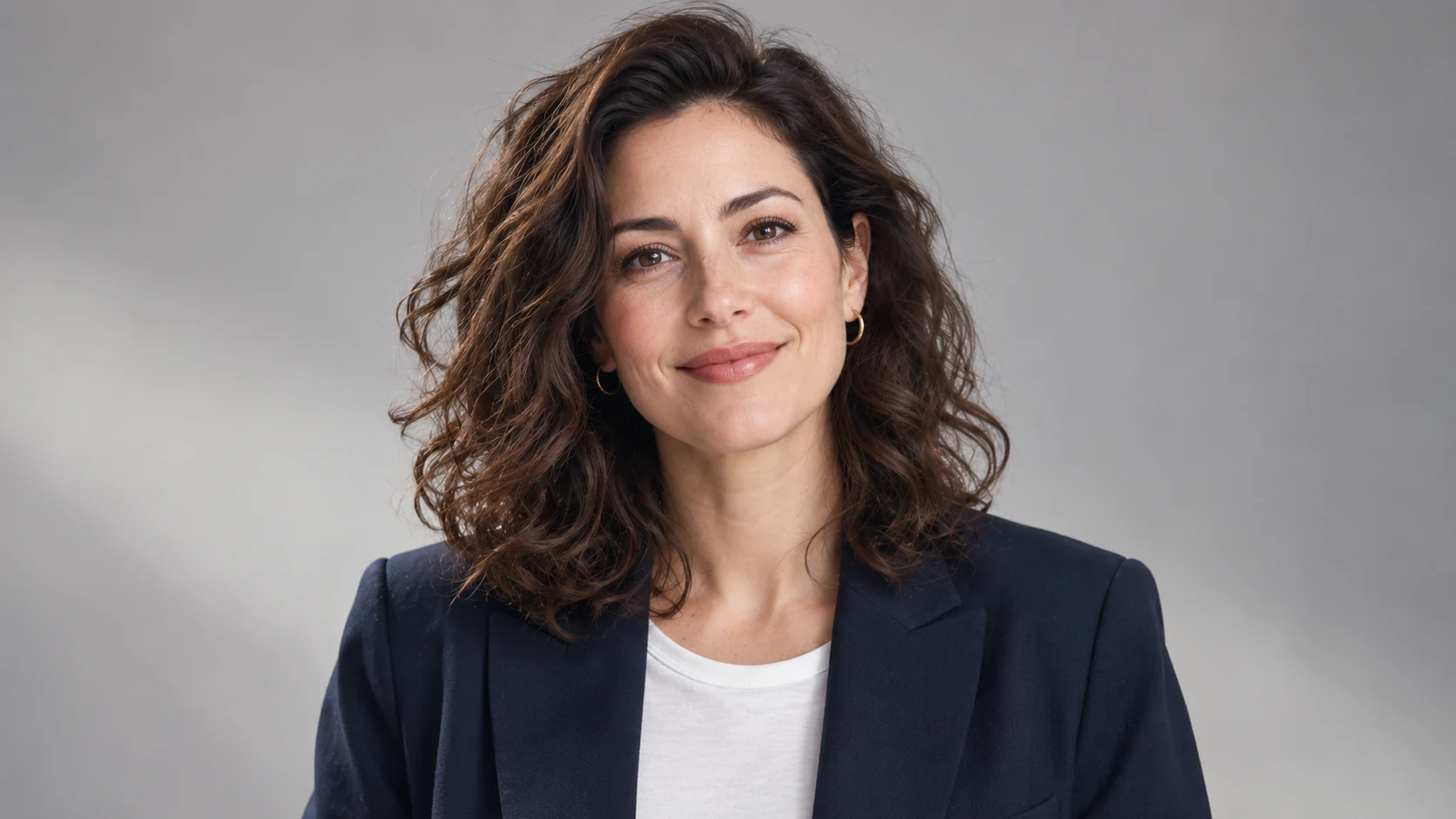
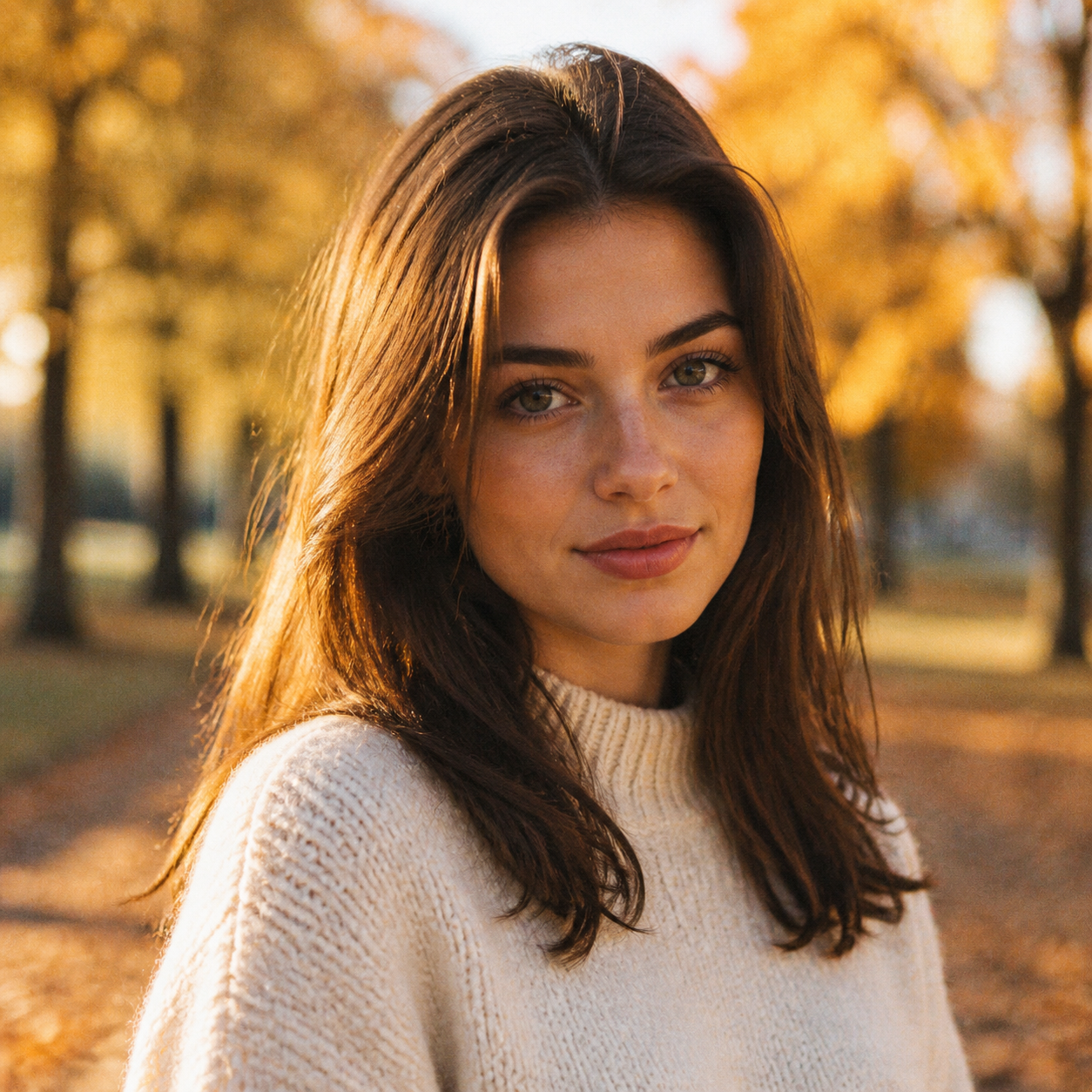
AI-generated portrait illustration of a fictional adult professional.
Introduction
Choose a clear reference for the Bad Times AI AI headshot generator
Start with a photograph that shows the person accurately. The Bad Times AI AI headshot generator cannot recover every detail hidden by blur, deep shadow, filters, or an obstructed face, so source selection deserves attention.
Bad Times AI Use a recent, readable photograph
Choose a photograph with visible facial features, natural expression, and enough space around the head and shoulders. Give the Bad Times AI AI headshot generator a clear reference rather than a heavily compressed screenshot. Avoid a source where hair, glasses, or hands conceal important features.
- Prefer an image without strong beauty filters or unusual distortion.
- Provide the Bad Times AI AI headshot generator with a photograph you are authorized to use.
Bad Times AI Choose the person, not the setting
A simple source background is useful, but the face matters most. The Bad Times AI AI headshot generator can receive instructions for a new setting; it still needs a readable subject. Select the photograph that represents the person well rather than the most impressive original location.
Bad Times AI Confirm permission before uploading
Use your own photograph or obtain appropriate permission from the person pictured and other relevant rights holders. Do not use the Bad Times AI AI headshot generator to impersonate someone or fabricate their endorsement. For a team project, confirm that each participant understands the proposed use.
How to use
How to use the Bad Times AI AI headshot generator
- Input
 Reference image 1STEP 1
Bad Times AI Choose your photo
Upload an authorized adult portrait to the Bad Times AI AI headshot generator and select GPT Image 2 reference editing for your draft.
- ModelGPT Image 21K3:4PromptOutputSTEP 2
Bad Times AI Direct the portrait
Describe clothing, background, and a relaxed expression in the Bad Times AI AI headshot generator, asking to retain recognizable features from your photograph.
 BeforeAfterSTEP 3
Bad Times AI Generate an option
Set portrait framing and 1K in the Bad Times AI AI headshot generator, check the displayed credits, and generate a headshot option.
- STEP 4
Bad Times AI Approve the likeness
Compare Bad Times AI AI headshot generator output with the reference, inspect eyes and skin texture, and obtain the subject’s approval before use.
Features
Direct framing and light in the Bad Times AI AI headshot generator
A useful professional portrait usually needs clear priorities rather than dramatic effects. Brief the Bad Times AI AI headshot generator on camera position, crop, eye direction, background separation, and one straightforward lighting setup.
Bad Times AI Leave room for the destination crop
Start with the 3:4 starting frame and keep the full hairstyle inside the picture. Ask the Bad Times AI AI headshot generator for comfortable shoulder and headroom. A portrait intended for a circular profile crop needs different breathing room from a tall biography photograph.
- Check the image at the small size where it will appear.
- Ask the Bad Times AI AI headshot generator to keep the face away from crop boundaries.
Bad Times AI Choose soft, understandable light
Describe a large soft light slightly above eye level, gentle facial shadows, and a quiet background. The Bad Times AI AI headshot generator does not need several competing lighting directions. Aim for a face that remains readable without removing all natural variation in skin tone.
Bad Times AI Request a believable expression
Use precise language such as a relaxed mouth, attentive gaze, or slight natural smile. Tell the Bad Times AI AI headshot generator to avoid exaggerated expressions. Review the eyes and mouth together; a technically smooth portrait can still feel unlike the person in the reference.
Style the portrait with the Bad Times AI AI headshot generator
Professional does not have to mean the same outfit and backdrop for everyone. Give the Bad Times AI AI headshot generator a visual direction suited to the person's actual work, audience, and preferred presentation.
Bad Times AI Describe clothing simply
A plain shirt, knitted top, or understated jacket may be enough. Ask the Bad Times AI AI headshot generator for a specific color and fit rather than a vague luxury look. Inspect collars, buttons, seams, and the way fabric meets the neck after generation.
- Avoid adding badges, uniforms, or credentials that misrepresent the subject.
- Give the Bad Times AI AI headshot generator a wardrobe brief the person actually approves.
Bad Times AI Keep the background secondary
Choose a neutral studio backdrop or a softly simplified work setting. The Bad Times AI AI headshot generator should not make an invented office the main subject. Avoid recognizable company marks, readable signage, and visual details that falsely imply a specific workplace or affiliation.
Bad Times AI Coordinate without making everyone identical
For a team, agree on background tone, crop, and lighting before preparing individual portraits. Reuse that visual brief in the Bad Times AI AI headshot generator, but review each person separately. A shared style does not justify changing someone's features, complexion, or individual presentation.

Use a careful Bad Times AI AI headshot generator workflow
Keep source selection, creative direction, and approval separate so a flattering result does not bypass likeness review.
Bad Times AI Upload and set the direction
Distinguish changes to clothing or background from the facial characteristics that should remain recognizable in the portrait.
- Use the uploaded person as the subject, not a request for an unrelated face.
- Check the Bad Times AI AI headshot generator configuration before you submit.
Bad Times AI Select the output settings
Choose one to four outputs and 1K, 2K, or 4K. Review framing and the displayed credits before submission.
Bad Times AI Compare and refine
Compare with the source before choosing the most flattering version. Revise one issue rather than requesting an entirely different appearance.

Check likeness in every Bad Times AI AI headshot generator result
Looking professional and looking like the subject are separate tests. Review the Bad Times AI AI headshot generator output for identity drift, altered features, artificial skin texture, and details that no longer match the reference.
Bad Times AI Compare the defining features
Check facial proportions, eye spacing, nose shape, jawline, hairline, and any distinctive visible features. The Bad Times AI AI headshot generator does not guarantee exact identity preservation. Reject a portrait that looks plausible as a person but inaccurate as the particular person you uploaded.
- Compare the source and result without relying only on memory.
- Ask the subject to approve any Bad Times AI AI headshot generator image before publication.
Bad Times AI Inspect skin, eyes, and accessories
Look for excessive smoothing, mismatched reflections, distorted glasses, or unnatural teeth. The Bad Times AI AI headshot generator may introduce details that are easy to miss at thumbnail size. Inspect jewelry, ears, collars, and hair edges before deciding that a portrait is ready.
Bad Times AI Know when to keep the original
Sometimes the reference photograph is the more accurate choice. The Bad Times AI AI headshot generator can explore alternatives, but it does not make every alteration an improvement. Keep the original when a candidate changes the person's appearance more than the intended use can reasonably support.
Prepare Bad Times AI AI headshot generator portraits for their intended use
A final portrait needs context as well as a good crop. Use the Bad Times AI AI headshot generator for creative presentation, then review permissions, destination requirements, and whether the image accurately represents the person.
Bad Times AI Match the profile or biography layout
Check how the photograph appears in the actual profile card or biography layout. A wide hero illustration and a personal avatar serve different purposes. Ask the Bad Times AI AI headshot generator for an appropriate composition rather than forcing one crop into every placement.
- Keep a copy of the source and the subject's approved final choice.
- Review Bad Times AI AI headshot generator portraits within their real destination layout.
Bad Times AI Do not turn a portrait into a credential
Do not assume generated portraits are accepted for passports, identity verification, or regulated identification. The Bad Times AI AI headshot generator does not establish identity or certify employment. Avoid using invented uniforms, badges, or locations to imply qualifications the person does not hold.
Bad Times AI Label illustrative examples honestly
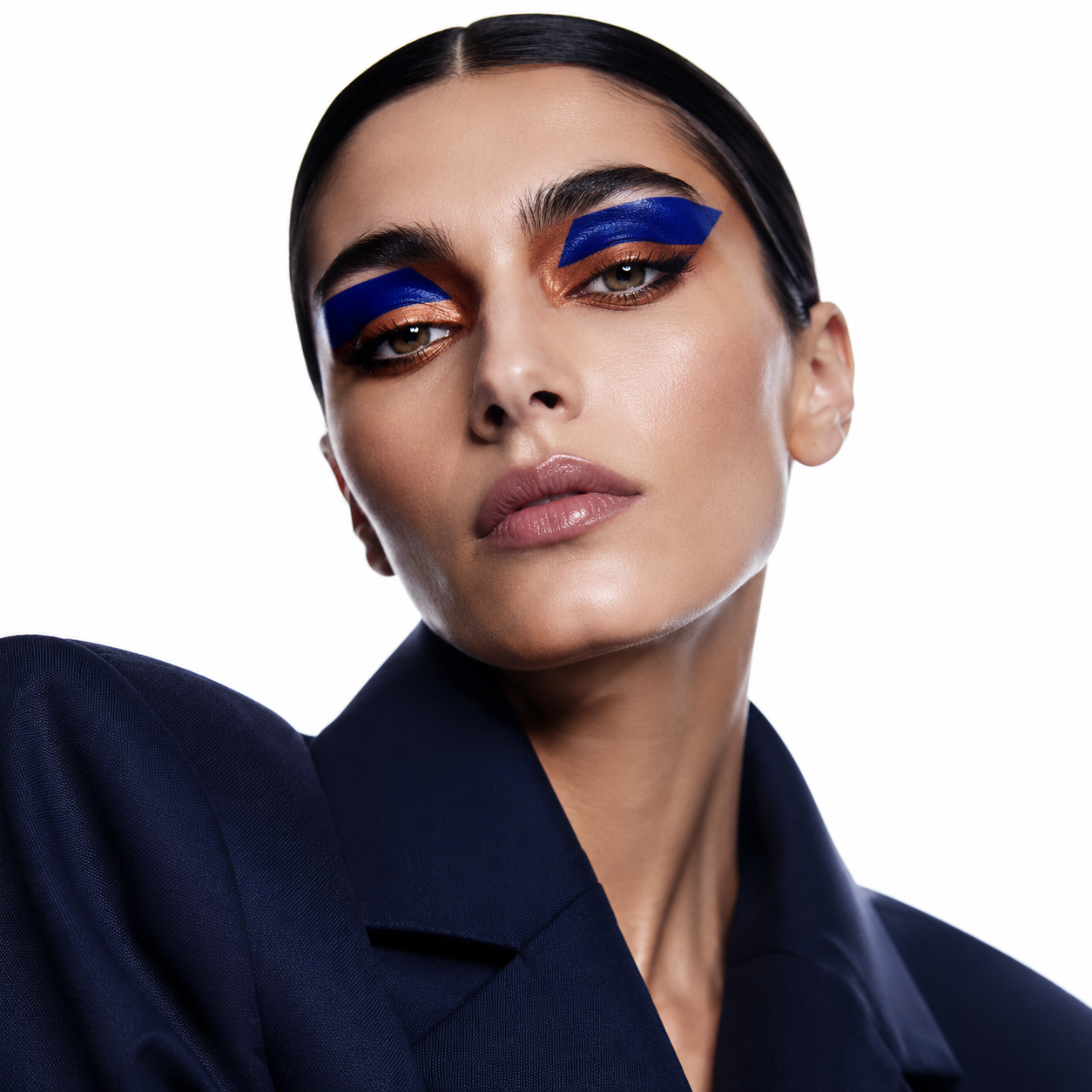
A fictional portrait can explain a visual direction, but it is not a customer testimonial or evidence of preserved likeness. Keep Bad Times AI AI headshot generator illustrations distinct from verified product results. Do not describe a fictional person as a real Bad Times AI user.
Example prompts
Bad Times AI Understated studio portrait
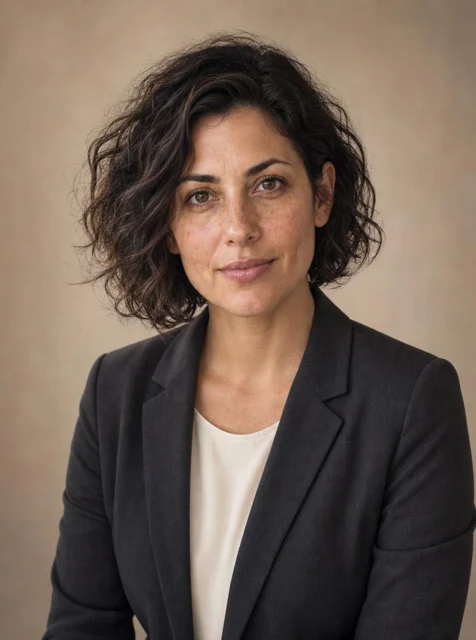
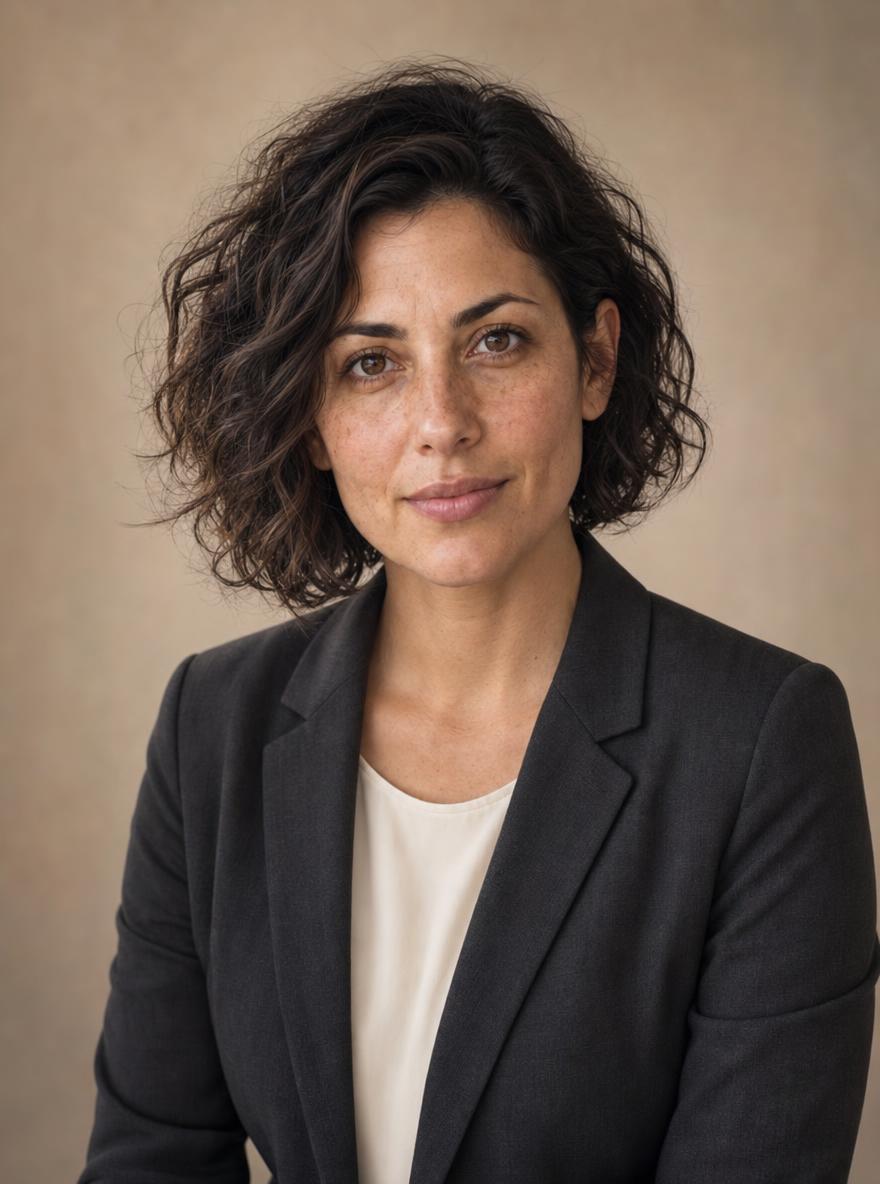
Use the person in my uploaded photograph as the subject. Create a natural professional head-and-shoulders portrait in a 3:4 composition. Aim to retain the person's recognizable facial proportions, hairstyle, complexion, and distinctive features. Use a plain charcoal jacket over a simple light shirt, a warm neutral studio background, soft light slightly above eye level, and a relaxed expression. Leave comfortable headroom. Avoid excessive skin smoothing, exaggerated beauty retouching, logos, badges, and invented credentials.
Bad Times AI Relaxed creative professional
Using my uploaded reference photo, create a waist-up professional portrait with a natural posture and an attentive, approachable expression. Preserve recognizable personal characteristics as closely as possible. Choose an understated dark knitted top, a softly simplified workspace background without company names, and gentle window-style lighting. Keep the face clearly visible and the background secondary. Portrait 3:4 framing with room around the head and shoulders. Avoid altered facial structure, artificial skin, text, logos, uniforms, and identification badges.
User reviews
H3Max video creator feedback.
H3Max creator reviews
I made a full character PV for my game with MiniMax H3 in one afternoon. The menu UI stayed readable in every frame and the character never went off-model. That used to cost me a contractor and three weeks.

We tested every AI video generator on the market for stylized work. H3 is the only one that held our anime style across cuts. We now use it for pitch reels and animatics on every project.

I uploaded four product photos and got a listing video with music and a voiceover the same day. My click-through rate on the new listings is up 38%. H3 even got the label text on my packaging right.
I ship five vertical videos a week for three brands. MiniMax H3 gets me from brief to draft in under an hour, with sound already synced. My old workflow needed a videographer and two review rounds.

The editing side is what sold me. A client wanted the background of an interview changed — I typed one sentence into MiniMax H3 and the lighting on the subject matched the new scene automatically.

I previsualized my entire short film in MiniMax H3 before we shot a single frame. Rack focus, match cuts, even the title cards — it understands director language, not just keywords.
Purchases and paid generation are paused.
Plans and Credits
FAQ
Frequently asked questions
Does the Bad Times AI AI headshot generator require my own photo?
Yes. This page is designed for reference-based portraits using a photograph you provide. Give the Bad Times AI AI headshot generator a clear view of the subject and describe the desired changes. Use your own image or obtain the necessary permission before uploading another person's photograph.
Can the Bad Times AI AI headshot generator preserve my face exactly?
No. The Bad Times AI AI headshot generator may change facial proportions, hair, skin texture, expression, or other details. Requesting recognizable features does not guarantee identity consistency. Compare the result with your source and reject images that do not represent you accurately, even when their lighting or styling looks appealing.
Can the Bad Times AI AI headshot generator change clothing and background?
You can describe both changes in the Bad Times AI AI headshot generator, but review them separately. Keep the brief clear about the subject and the desired setting. When the result changes too much, simplify the task or revise one visual element at a time instead of adding more instructions.
How many Bad Times AI AI headshot generator portraits can I request?
GPT Image 2 supports one to four outputs per request on Bad Times AI. The Bad Times AI AI headshot generator also supports multiple ratios and 1K, 2K, or 4K. Begin with the 3:4 and 1K starting setup, then check the actual configuration and displayed credits before submitting.
Can I use the portrait professionally?
Review applicable terms, permissions, and the requirements of the intended destination. The Bad Times AI AI headshot generator does not provide blanket commercial clearance or acceptance for identity documents. For a professional profile or team page, obtain the subject's approval and avoid imagery that misrepresents appearance, affiliation, or credentials.
CTA
Start the Bad Times AI AI headshot generator with your reference photo
Choose a photograph that represents you clearly and a visual direction that fits your work. Use the Bad Times AI AI headshot generator to explore portrait options, then approve the likeness and details before deciding where to use one.
Create a portrait from your photo