
Bad Times AI AI ad creative generator for one clear visual message
Build the picture around one understandable message. The Bad Times AI AI ad creative generator explores visual hooks, product settings, and campaign directions without connecting to an advertising account. Start with GPT Image 2 text mode at 1:1 and 1K. Give the Bad Times AI AI ad creative generator a focused brief, then compare deliberate variations.
Image workspace
Sample Image
 21 / 30
AI-generated illustration of an unbranded skincare studio scene.
Introduction
Give the Bad Times AI AI ad creative generator one message
Give the Bad Times AI AI ad creative generator one takeaway instead of asking a single picture to carry several competing promises.
Bad Times AI Write the takeaway plainly
For a desk organizer, the takeaway might be a place for everyday essentials. Tell the Bad Times AI AI ad creative generator how that idea should appear visually: a clear arrangement of familiar objects around the organizer. Avoid asking the picture to communicate every possible use at once.
- Choose one takeaway that the actual product can support.
- Keep the Bad Times AI AI ad creative generator brief attached to that idea.
Bad Times AI Match the picture to the audience
A compact home desk and a shared studio imply different contexts. Give the Bad Times AI AI ad creative generator a specific setting and activity rather than a vague ideal customer. Concrete surroundings help the image explain the situation without relying on stereotypes about the audience.
Bad Times AI Separate evidence from visual metaphor
A visual metaphor can suggest simplicity or calm, but it cannot prove a product claim. Ask the Bad Times AI AI ad creative generator for an illustration of the message, not invented measurement charts or fabricated results. Keep factual claims grounded in information you can actually support.
How to use
How to use the Bad Times AI AI ad creative generator
- PromptSTEP 1
Bad Times AI Choose one message
Open GPT Image 2 text mode in the Bad Times AI AI ad creative generator and describe one truthful takeaway for a defined audience.
- ModelGPT Image 21K1:1PromptSTEP 2
Bad Times AI Ground the visual
Give the Bad Times AI AI ad creative generator a clear visual hook; switch to reference editing and upload actual products when specificity matters.
- Layout preview
 Make Room on Your DeskLayout preview onlySTEP 3
Bad Times AI Compare one change
Start the Bad Times AI AI ad creative generator at square 1K, check displayed credits, and generate alternatives that change one visual element.
- Create a square advertising image concept around the idea of a calm place for everyday desk essentials. Show one original unbranded organizer on a simple wood desk, holding a pen and a small notebook, with one ceramic mug nearby. The organizer should be the clear focal point, not a tiny background detail. Soft morning light, restrained neutral palette, quiet upper-left space for a headline added later. No text, logos, prices, discount symbols, invented results, extra products, collage panels, or interface elements.DownloadSTEP 4
Bad Times AI Review the placement
Inspect Bad Times AI AI ad creative generator images for accurate product details and readable crops before preparing final copy and your own campaign uploads.

Features
Build a visual hook with the Bad Times AI AI ad creative generator
Ask the Bad Times AI AI ad creative generator for a subject relationship that communicates the idea rather than spectacle without purpose.
Bad Times AI Make the product or idea prominent
Choose a single large subject, a simple action, or a meaningful contrast in scale. The Bad Times AI AI ad creative generator should not bury the important object behind props. Check whether someone can understand the central idea without reading a paragraph explaining what the scene represents.
- Keep the main subject separate from decorative supporting objects.
- Review Bad Times AI AI ad creative generator concepts at a small preview size.
Bad Times AI Show a plausible use context
A bag beside a packed commuter desk can explain its role without inventing extraordinary performance. Tell the Bad Times AI AI ad creative generator which items belong in the scene. Avoid showing included accessories, sizes, or configurations that do not match what someone would actually receive.
Bad Times AI Reserve space for final copy
Leave a quiet region for a headline or offer added later. The Bad Times AI AI ad creative generator returns an image, not a layered campaign layout. Separately editable copy lets you correct wording or change the offer without rebuilding the entire visual background.
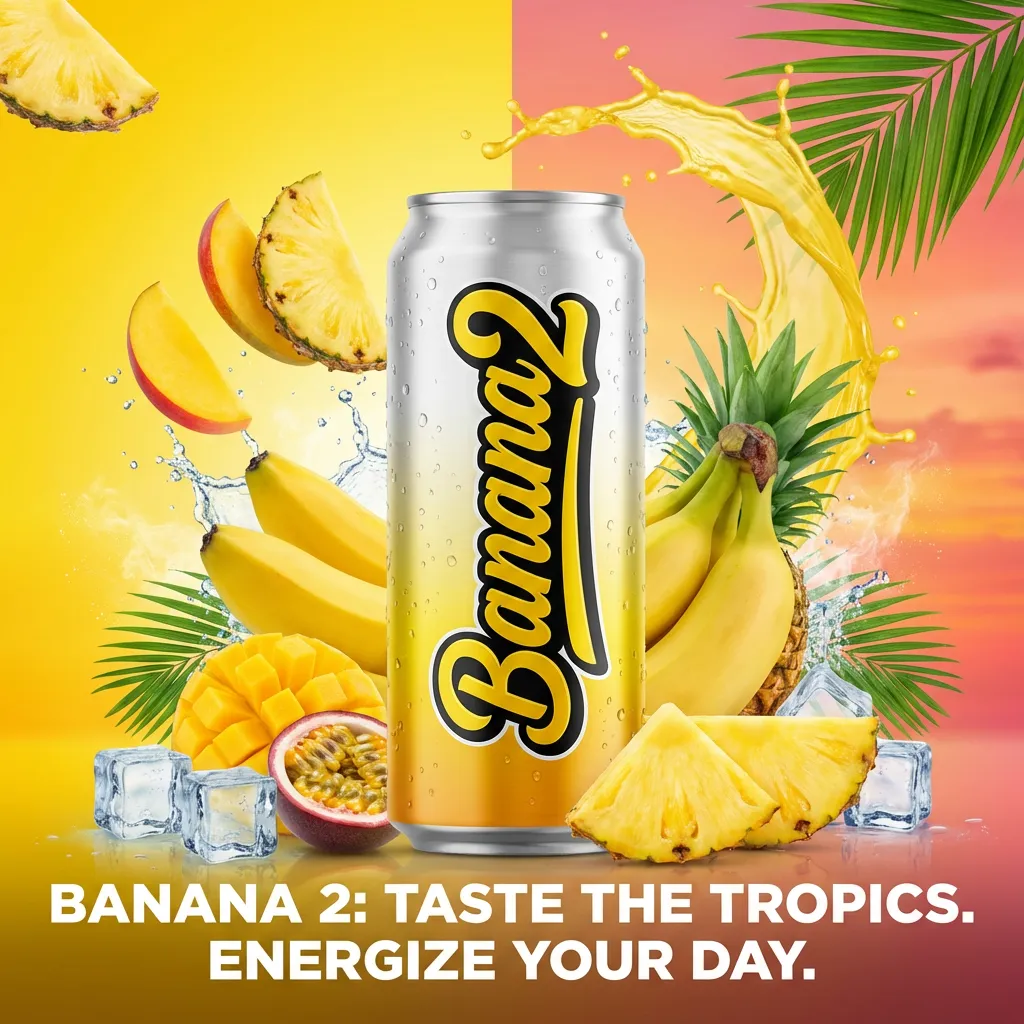
Compare Bad Times AI AI ad creative generator directions
Give every Bad Times AI AI ad creative generator variation a clear question so the images remain useful to compare.
Bad Times AI Change the visual angle, not the truth
Compare a close product study with a contextual desk scene while keeping the same product facts. The Bad Times AI AI ad creative generator can explore those treatments. Do not change contents or capability claims just to make one candidate look more dramatic than another.
- Label each concept by the visual idea being explored.
- Keep Bad Times AI AI ad creative generator product facts stable across alternatives.
Bad Times AI Isolate one prominent change
Try a light versus dark background, or a centered versus offset subject, while retaining the rest of the brief. The Bad Times AI AI ad creative generator may introduce other differences, so review them. A deliberate comparison is more informative than two entirely unrelated scenes.
Bad Times AI Keep preference separate from performance
You may prefer one composition, but that does not establish how an audience will respond. Use the Bad Times AI AI ad creative generator to prepare candidates for your own review or later campaign testing. Do not label a favorite image a proven winner without actual results.
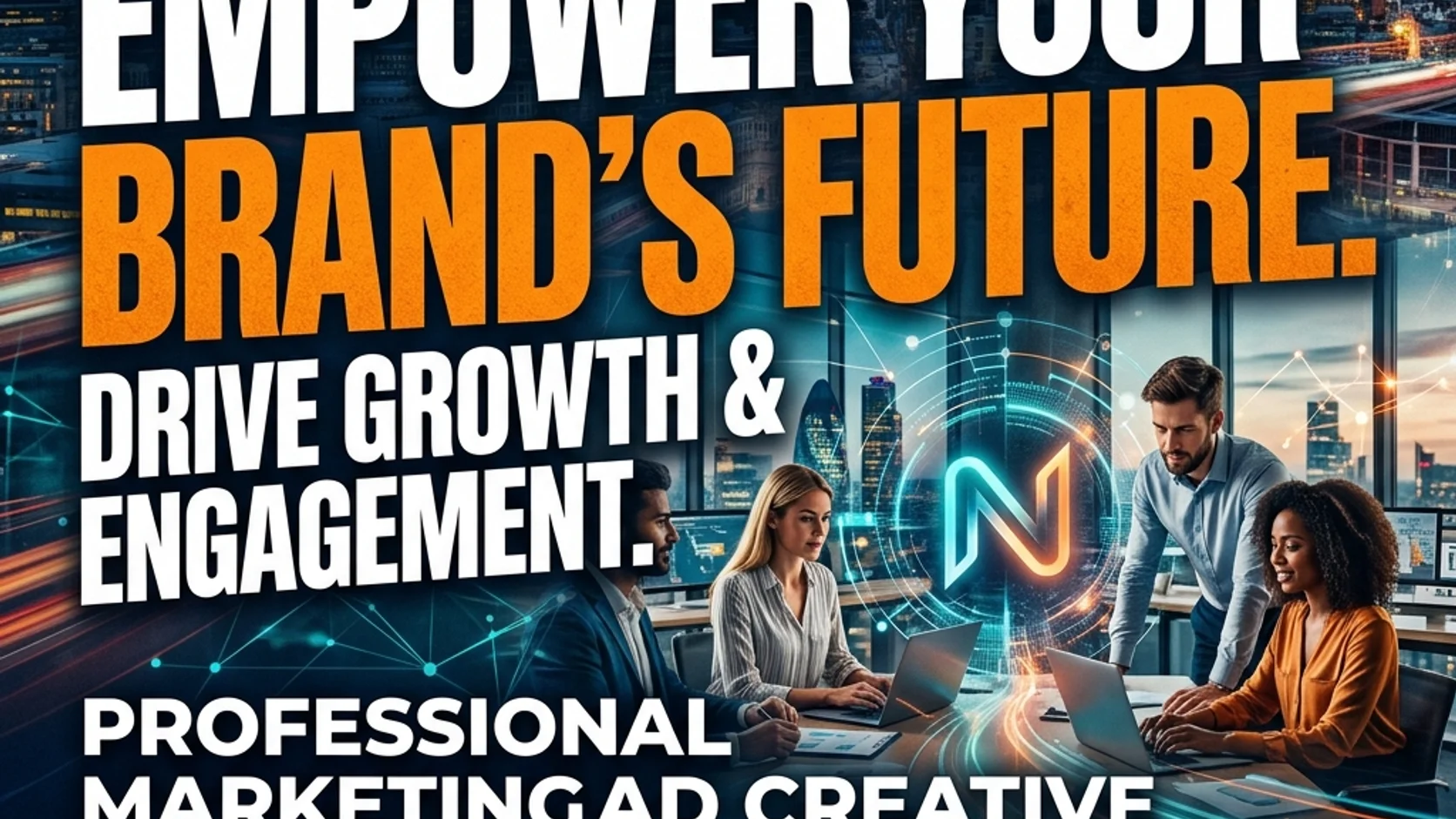
Fit Bad Times AI AI ad creative generator images to the placement
Review Bad Times AI AI ad creative generator imagery within its intended crop, accompanying copy, and surrounding placement interface.
Bad Times AI Begin with the square composition
The 1:1 starting frame gives a compact area for one subject and a short visual idea. Ask the Bad Times AI AI ad creative generator to keep important details away from the edges. Check the product and any proposed copy area at the expected display size.
- Preview the artwork with the actual accompanying message.
- Keep Bad Times AI AI ad creative generator focal details clear of likely overlays.
Bad Times AI Recompose for another format
A wider placement may need more environment, while a vertical one may need a different subject arrangement. The Bad Times AI AI ad creative generator offers multiple ratios. Change the composition brief with the ratio rather than assuming the square image can be cropped into every destination.
Bad Times AI Check destination requirements separately
Review the current requirements of the placement before publishing. The Bad Times AI AI ad creative generator is not connected to an ad platform and does not approve content for one. Inspect text, crop, product depiction, and any necessary disclosures within your actual publishing process.
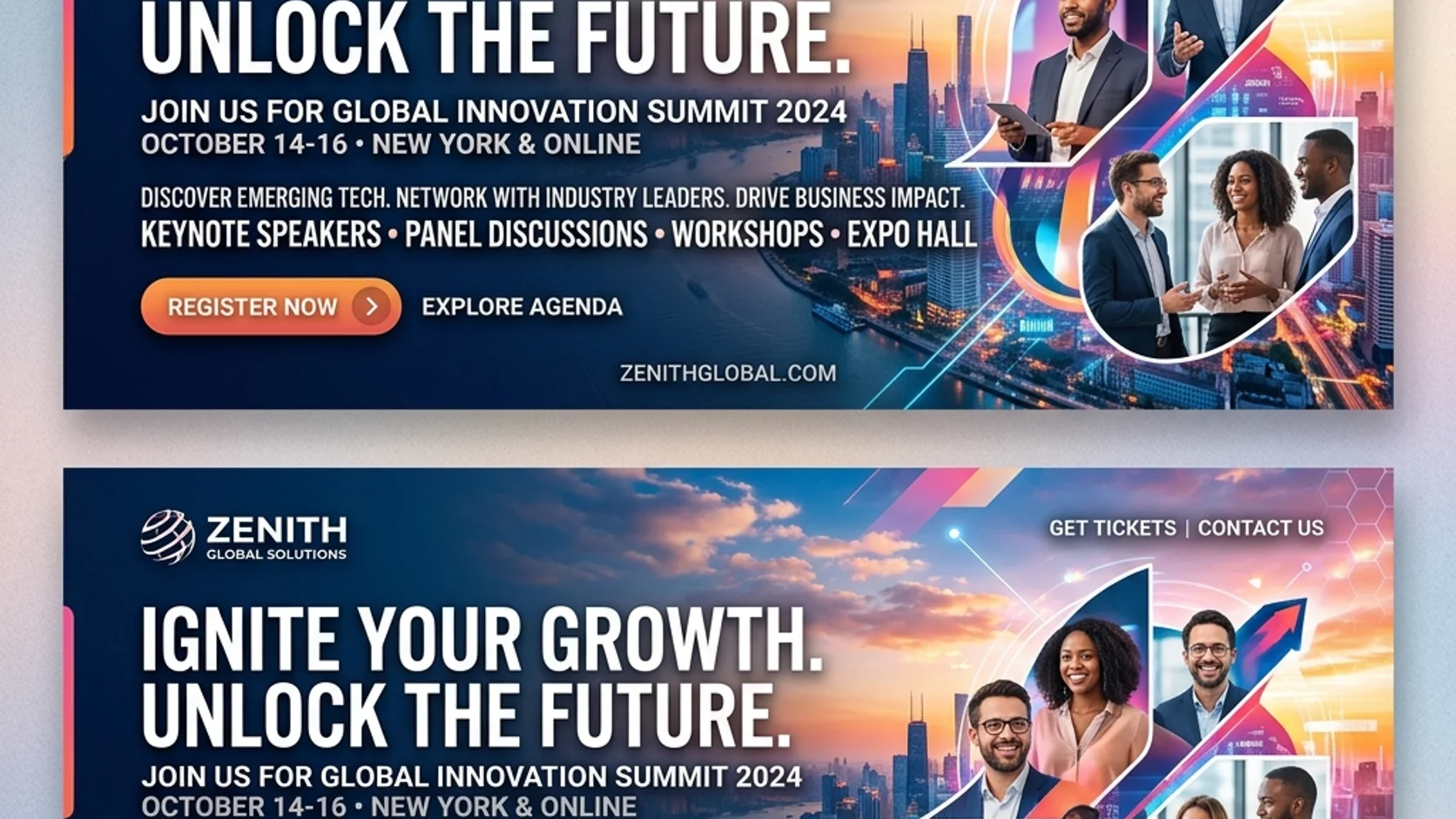
Use the Bad Times AI AI ad creative generator with the right inputs
Use the Bad Times AI AI ad creative generator with text for original scenes and references when an actual product matters.
Bad Times AI Start with the approved configuration
Select GPT Image 2 text mode at 1:1 and 1K, with one output for the initial visual idea. Describe the subject, setting, placement, and light. Review the Bad Times AI AI ad creative generator settings and dynamic credit display before submitting the request.
- Start with a clear composition rather than a finished advertisement.
- Give the Bad Times AI AI ad creative generator one main visual assignment.
Bad Times AI Switch to references for real products
Upload an authorized product photo in image mode and identify the details to retain. The Bad Times AI AI ad creative generator supports up to sixteen references there. Explain whether additional images define packaging, setting, or palette so the sources do not compete without clear roles.
Bad Times AI Choose outputs for a specific review
You can request one to four images and select 1K, 2K, or 4K with supported ratios. Use the Bad Times AI AI ad creative generator configuration that matches your comparison. Review actual product details in each candidate rather than assuming similar-looking variations are equally accurate.

Review Bad Times AI AI ad creative generator output before use
Check the Bad Times AI AI ad creative generator image for message clarity, factual accuracy, and readiness for your intended campaign workflow.
Bad Times AI Check the product against its reference
Inspect packaging, quantity, color, labels, and any accessories pictured. The Bad Times AI AI ad creative generator may change small details even when the overall scene looks plausible. Remove candidates that imply a different product or invent features to make the composition more appealing.
- Check generated lettering and numbers wherever they appear.
- Compare Bad Times AI AI ad creative generator imagery with verified product information.
Bad Times AI Keep an organized creative record
Save each selected JPEG with the brief, intended placement, and the visual variable it explores. This makes Bad Times AI AI ad creative generator candidates easier to discuss with collaborators. Add real campaign observations later in your own records, rather than embedding invented performance claims in the asset.
Bad Times AI Separate creation from campaign operation
The Bad Times AI AI ad creative generator does not launch ads, connect accounts, or guarantee clicks and conversions. Use its JPEG output as an image asset in a separate campaign workflow. Final copy, approval, publishing, and performance evaluation remain distinct steps under your control.
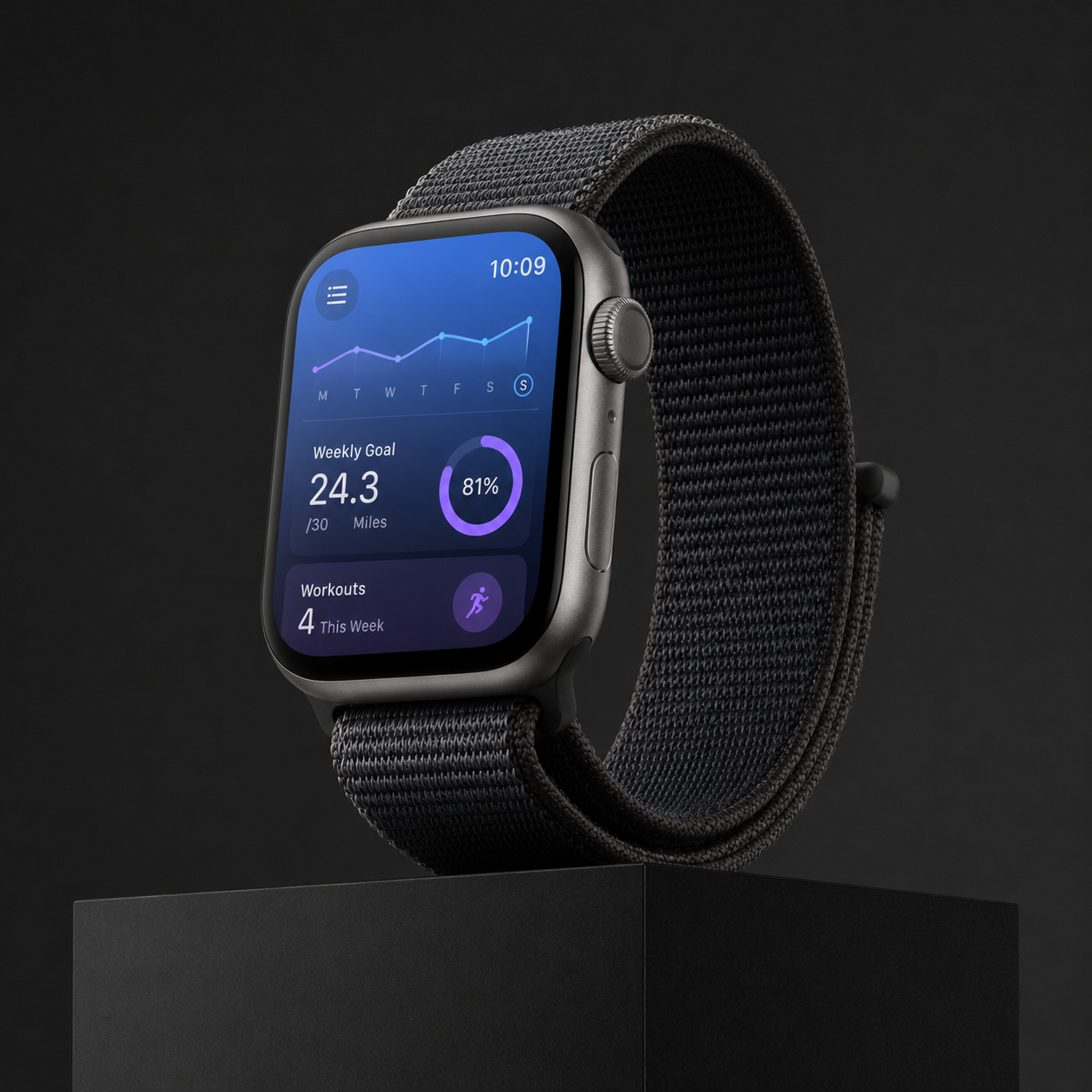
Example prompts
Bad Times AI A clear workspace concept
Create a square advertising image concept around the idea of a calm place for everyday desk essentials. Show one original unbranded organizer on a simple wood desk, holding a pen and a small notebook, with one ceramic mug nearby. The organizer should be the clear focal point, not a tiny background detail. Soft morning light, restrained neutral palette, quiet upper-left space for a headline added later. No text, logos, prices, discount symbols, invented results, extra products, collage panels, or interface elements.
Bad Times AI Image mode: a reference-led product setting
For GPT Image 2 image mode, use my uploaded real product photo as the product reference. Create a square campaign visual with the item slightly right of center in a simple setting appropriate to its actual use. Retain visible shape, color, packaging, and label placement as closely as possible. Use controlled soft side lighting and a quiet left area for separately added copy. Include no accessories absent from the source, no performance charts, no invented claims, and no text beyond existing product details. Prioritize a readable subject and an honest depiction.
User reviews
H3Max video creator feedback.
H3Max creator reviews

I made a full character PV for my game with MiniMax H3 in one afternoon. The menu UI stayed readable in every frame and the character never went off-model. That used to cost me a contractor and three weeks.

We tested every AI video generator on the market for stylized work. H3 is the only one that held our anime style across cuts. We now use it for pitch reels and animatics on every project.

I uploaded four product photos and got a listing video with music and a voiceover the same day. My click-through rate on the new listings is up 38%. H3 even got the label text on my packaging right.

I ship five vertical videos a week for three brands. MiniMax H3 gets me from brief to draft in under an hour, with sound already synced. My old workflow needed a videographer and two review rounds.

The editing side is what sold me. A client wanted the background of an interview changed — I typed one sentence into MiniMax H3 and the lighting on the subject matched the new scene automatically.

I previsualized my entire short film in MiniMax H3 before we shot a single frame. Rack focus, match cuts, even the title cards — it understands director language, not just keywords.
Purchases and paid generation are paused.
Plans and Credits
FAQ
Frequently asked questions
Does the Bad Times AI AI ad creative generator publish advertisements?
No. The Bad Times AI AI ad creative generator produces JPEG image concepts. It does not connect to advertising accounts, build audiences, or launch campaigns. Add final copy and submit approved assets through your own publishing workflow after reviewing the requirements of the intended placement.
Can the Bad Times AI AI ad creative generator use my actual product?
Yes. Switch to GPT Image 2 image mode and upload a clear product reference. Describe the intended scene and details to retain. Compare the result with the source because packaging, proportions, text, and accessories may change during generation.
How do I use the Bad Times AI AI ad creative generator for variations?
Choose one variable, such as background tone, subject placement, or use context. Keep the product facts and other instructions stable. Label the returned candidates by the idea they explore. Their visual differences are concepts to evaluate, not evidence of better campaign performance.
Can the Bad Times AI AI ad creative generator include headlines?
You can request short text, but check the wording and letterforms carefully. For important offers or frequently changing copy, reserve space in the image and add text separately. The output is not a document with editable typography layers.
Does the Bad Times AI AI ad creative generator guarantee better results?
No performance outcome is guaranteed. A clear visual may be a useful candidate, but its effect depends on the actual campaign and audience. Evaluate it through your own review and testing process rather than treating generated artwork as proof of clicks or conversions.
CTA
Give the Bad Times AI AI ad creative generator one useful message
Choose the takeaway, define a visual direction, and decide what the first comparison should explore. Use the Bad Times AI AI ad creative generator to prepare image candidates for your own creative review and campaign workflow.
Explore an ad visual